
One Friday afternoon, a practice manager in Chicagoland calls the help desk.
Nothing’s broken.
Someone’s locked out, again.
Reset emails arrive out of order, then in a pile, right when nobody has time.
This is the modern workplace’s most consistent time-waster, passwords creating problems that somehow feel normal.
Here’s what changed, a big reason teams have stalled on passkeys just got smaller. Not security, logistics.
Passkeys didn’t feel workable at work because they didn’t travel with you. That’s starting to change.
Scope note (so we stay honest): Microsoft Edge’s new passkey save + sync experience is rolling out on Windows for personal Microsoft accounts (MSA), not Microsoft Entra work or school accounts through this Edge sync method yet.
The promise: your sign-in key can travel with you
If you’ve avoided passkeys, it probably wasn’t about the idea. It was about the hassle.
“Passwordless” sounds great until you replace a laptop, rebuild a machine, or add a second device and your new sign-in method is stuck on the old one.
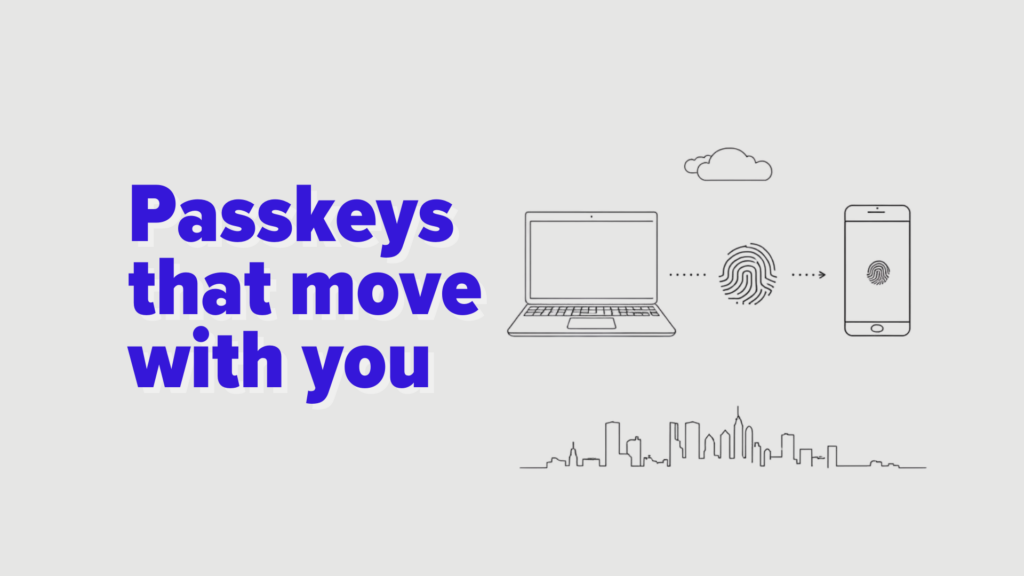
Edge now supports saving passkeys and syncing them across your Windows desktop devices when you’re signed in with the same personal Microsoft account.
In plain English:
- Create a passkey once
- Approve it with Windows Hello (face, fingerprint, or PIN)
- Use it again on another Windows device you sign into
- Fewer lockouts, fewer resets, less help desk churn
That “it doesn’t follow me” problem is what kept passkeys from feeling ready for daily ops. This is Microsoft taking a real swing at that gap.
Passkeys, explained like you have a meeting in 6 minutes
A passkey replaces a password with a cryptographic key pair.
You don’t type it.
You approve it.
Approval can be:
- your face
- your fingerprint
- a local PIN
What matters for leaders isn’t the math, it’s the outcome:
- No password to reuse
- No password to hand to a fake login page
- Less credential stuffing risk
- Fewer reset tickets
That’s why passkeys are a real building block for phishing-resistant access.
Why this matters in compliance-heavy organizations
Healthcare, education, insurance, government, and nonprofits share a simple reality:
Access failures are operational failures.
When sign-in is fragile, everything downstream gets shaky:
- clinicians lose minutes that turn into hours
- staff invent workarounds (shared logins, sticky notes, “temporary” spreadsheets)
- IT burns time on resets instead of reducing risk
- attackers get more chances to trick people into “just signing in again”
Passkeys won’t fix every identity issue.
But they remove a big one:
They shrink the attack surface created by human memory.
They also cut the reset tax that quietly drains productivity.
The catch: personal accounts vs work accounts
This is the part your IT lead will care about.
Edge passkey sync (today):
- tied to a personal Microsoft account (MSA)
- syncs across Windows desktop devices signed into that MSA
Work and school reality (today):
- many organizations live in Microsoft Entra ID, with Conditional Access, device compliance, and audit needs
- your passwordless plan usually sits inside that Entra setup, on purpose
A practical way to think about it:
If your environment is mostly Entra-controlled
Treat Edge passkey sync as a signal, not your rollout plan.
It shows Microsoft is trying to make passkeys workable day to day, the missing piece for wider use.
If you have legitimate MSA use cases
You can still get real wins, even in regulated environments:
- vendor portals that don’t support SSO
- utility accounts that should not be shared (but are)
- external systems where MFA is inconsistent
- leadership and stakeholder accounts that get targeted a lot
The trick is governance, keep the scope clear, pick the use cases on purpose, and don’t oversell what’s ready for broad enterprise use.
A rollout plan that doesn’t create a new mess
You don’t need a big-bang migration. You need a controlled pilot with outcomes you can measure.
1) Pick the right pilot accounts
Choose 3–5 that meet these criteria:
- high reset volume or high phishing risk
- limited blast radius if something goes sideways
- users who can give feedback calmly
2) Standardize the prerequisites
Before anyone saves a passkey, make sure you’ve agreed on:
- Windows Hello readiness (PIN or biometrics enrolled)
- device management basics (patching, local admin controls)
- a documented recovery path (what happens when a device is replaced)
3) Train the behavior, not the feature
Users don’t need cryptography. They need three rules:
- If prompted to save a passkey, do it only in approved scenarios
- Never approve an unexpected sign-in prompt
- If something feels off, report it fast
4) Measure what matters
Track:
- password reset tickets (before and after)
- lockout incidents (before and after)
- phishing reports and outcomes
- time-to-access for critical workflows
If reset volume drops, you’ll notice quickly.
Three questions leadership should ask before celebrating
- Where do we still rely on shared knowledge to log in?
Shared passwords aren’t collaboration. - Do we have a clean recovery path?
If recovery is fuzzy, people will make their own shortcuts. - Are we building identity around zero trust, or hoping people never slip?
If you want real risk reduction, connect passkey adoption to your broader zero-trust architecture for nonprofits, or the equivalent controls in your sector.
What to do next
- If you have MSA-approved use cases, pilot Edge passkey sync with clear boundaries.
- If your world is Entra-first, watch this closely, and keep pushing your established passwordless approach inside Entra.
- If you’re unsure where passkeys fit in your risk model, start with a baseline, run a cyber risk score calculator and find where credential risk is hurting you most.
- If you’re tightening Microsoft security controls, revisit licensing and controls with identity hardening in mind, many orgs find quick wins while reviewing Microsoft 365 Business Premium benefits alongside policy and endpoint strategy.
How we help
As a managed services partner for small and midsized organizations, we help teams turn security features into an operating model:
- identity and access roadmap (practical, policy-based)
- phishing-resistant authentication strategy
- device readiness and recovery planning
- pilot design that reduces risk without adding support load
If you want a passkey rollout that improves security and lowers tickets, we’ll help you map the path, and keep the scope honest from day one.
 Web & Mobile Apps