
Quick confession: how many times have you watched a Word document disappear because you swore you’d saved… but didn’t?
Yep. Classic.
One second you’re deep in a report, proposal, or invoice. The next, your laptop freezes, the power blinks, or you click the X a little too confidently—and hours of work evaporate like it never existed.
Microsoft is trying to put an end to that.
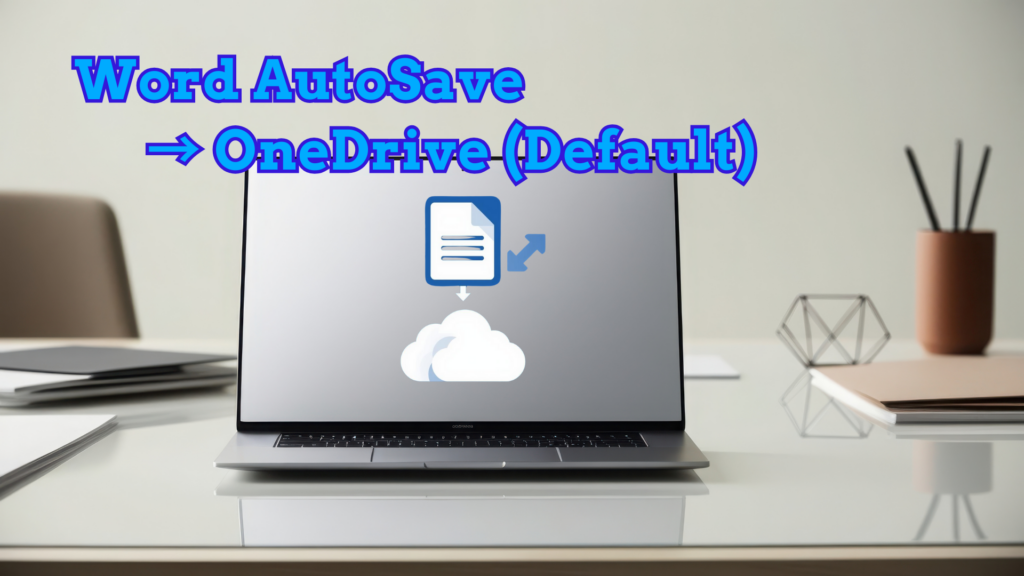
Going forward, new Word documents will automatically save to OneDrive (Microsoft’s cloud storage). In other words: AutoSave will be enabled by default, and your work will start backing up right away.
What does that mean for you?
- Your changes are saved as you go—no “Did I hit Save?” anxiety.
- You can reopen the document from another device and keep moving.
- If you close the file by accident, it’s not gone. It’s waiting for you in the cloud.
For anyone who has ever lost “the final final FINAL version,” this sounds like a long-overdue win.
But… not everyone is applauding.
Some people don’t love the idea that every new document automatically uploads to the cloud. They want to choose where a file lives—especially if it contains sensitive information. And even when a provider says files are secure and access is controlled, plenty of people still feel more comfortable storing certain work locally, where it’s easier to manage and monitor.
There’s also a practical concern: if you weren’t expecting the change, you might not notice it at all. Word will simply begin saving to OneDrive quietly in the background unless you adjust the setting.
To be fair, Microsoft isn’t forcing anyone to use it. You can turn off the behavior and go back to manual saves if that’s your preference.
Still, this signals something bigger: Microsoft is positioning OneDrive as the “home base” for your files. And with Copilot AI capabilities tying more closely into OneDrive, the strategy is clear—searching, summarizing, and even helping edit documents becomes easier when everything lives in one connected place. Less folder-hunting, more “Copilot, find the doc and tell me what changed.”
So, is this a great idea or a terrible one?
It depends on how you work.
If you value convenience, continuity, and built-in backup, it’s a major upgrade. If you prioritize control and privacy, it may feel like Word is choosing for you.
Either way, the era of losing an unsaved masterpiece is coming to an end—and a lot of people won’t miss it.
 Web & Mobile Apps