
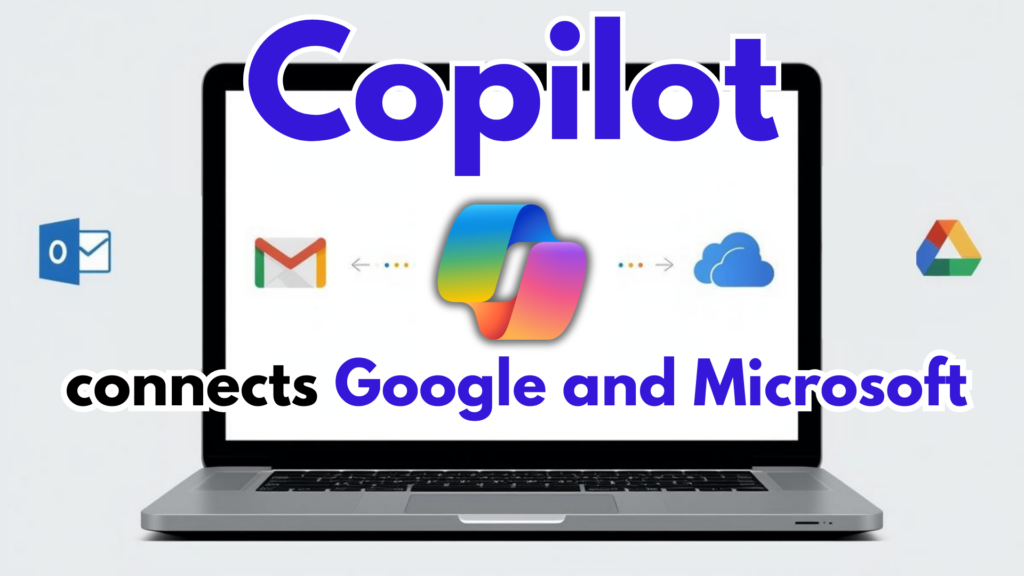
If you’ve ever bounced between Gmail, Outlook, and 12 open tabs just to find one message or confirm a meeting time, you know the routine: digital chaos… normalized.
Microsoft is trying to shrink that chaos. With a new Windows update, Copilot can now connect to your Google tools (Gmail + Google Calendar) alongside your Microsoft accounts (like Outlook and OneDrive). If you choose to enable it, Copilot can search and reference information across both ecosystems—so you spend less time hunting and more time finishing work.
A few examples of what that looks like in real life:
- “When did I last email Sarah?” Copilot can locate the most recent thread—even if it’s buried in Gmail.
- “Can I schedule this next week?” Copilot can check both your Outlook calendar and Google Calendar to help you avoid double-booking.
And yes—you stay in control. Copilot only gets access to what you explicitly permit. If you’d rather keep Google and Microsoft separate, you can. Copilot will still work inside the Microsoft apps you already use.
But for teams that mix-and-match platforms (and plenty of Greater Chicago organizations do), connecting accounts could be a meaningful time-saver—and it’s a notable moment: Microsoft and Google functionality cooperating instead of forcing you to pick a side.
It’s not just search and scheduling, either. Copilot is also leaning harder into “creation mode.” You can feed it a few notes and ask for a Word doc, a PowerPoint deck, or a polished PDF—without hopping between apps. Longer responses now include an Export option, so you can push the output straight into the format you need.
This update is currently rolling out to Windows Insiders through the Microsoft Store, but the trajectory is clear: fewer steps, fewer app-switches, and more time back for actual work.
One big question remains, though: How much do you trust your AI assistant?
Linking Copilot to Gmail and your calendar means granting access to some of your most sensitive business context—client conversations, internal schedules, and operational details. Microsoft emphasizes that you stay in control and that your data isn’t used to train its AI, but it’s still worth pausing before you hit “connect,” especially if you operate in regulated spaces like healthcare, education, insurance, government, or nonprofits.
For many organizations, the convenience will outweigh the concern. Either way, it’s encouraging to see a future where your tools finally work together—rather than against each other.
 Web & Mobile Apps