
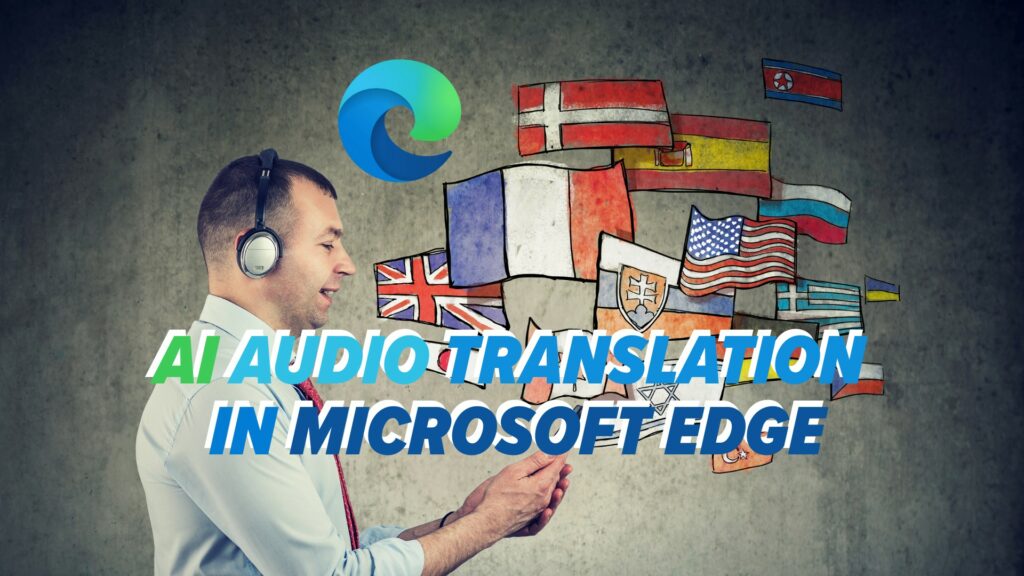
Ever clicked on a video and thought, “This looks great… I just wish I understood a word of it”?
Language has always been a big barrier to getting real value from online content—whether it’s training sessions, webinars, or product launch events. If it’s not in a language you know, it might as well not exist.
Microsoft is trying to change that.
What’s new in Microsoft Edge?
Microsoft is testing an AI-powered audio translation feature right inside the Edge browser.
Instead of just adding subtitles, Edge can replace the audio track in a video with a translated version—live, as it plays.
Right now, it only supports a handful of languages (including English, Spanish, and Korean), but it’s a strong hint of how AI could make the internet feel a lot more global and accessible for Chicago businesses and organizations everywhere.
How it works (in real life)
Once you switch the feature on in Edge’s settings, you’ll see a small floating bar appear on supported sites (YouTube is a big one).
From there, it’s pretty simple:
- You start a video in another language
- Edge detects it and generates a translated audio track
- The browser mutes the original and plays the translation almost instantly
The result: you hear the video in your language of choice, without waiting for subtitles or hunting down a version made for your region.
What’s the catch?
There are a few caveats for now:
- You need a reasonably powerful device
Edge’s AI translation wants at least 12 GB of memory and a modern processor. Older or low-spec machines may struggle. - The translation isn’t perfect (yet)
You might get the occasional odd phrase, extra voice, or clunky wording. It’s still in preview, so “good and improving” is the current state rather than “flawless”.
Even so, it’s impressive to see this running directly in a browser.
Why this matters for SMBs in Chicago
For small and midsized organizations in healthcare, education, insurance, government, and non-profit, this could quietly become a very useful productivity tool:
- Access international training content your team couldn’t use before
- Watch partner or vendor presentations from other regions without waiting for translated versions
- Tap into new industry insights and best practices, even if they’re not available in English
Real-time translation like this supports a more connected digital workplace, especially if you’re already using tools like Microsoft 365 and Edge across your environment.
It’s one more example of how AI can help your team learn faster, collaborate more widely, and think beyond local borders—without massive budgets or complex software.
If you’re wondering how features like this fit into your broader technology and hybrid work strategy—or what other Microsoft AI tools could do for your people—get in touch. We help Chicago organizations turn these innovations into practical everyday advantages.
 Web & Mobile Apps