Windows 11 is getting faster where daily work happens most. See how quicker wake times, cleaner multitasking, and simpler speed checks could help your team…
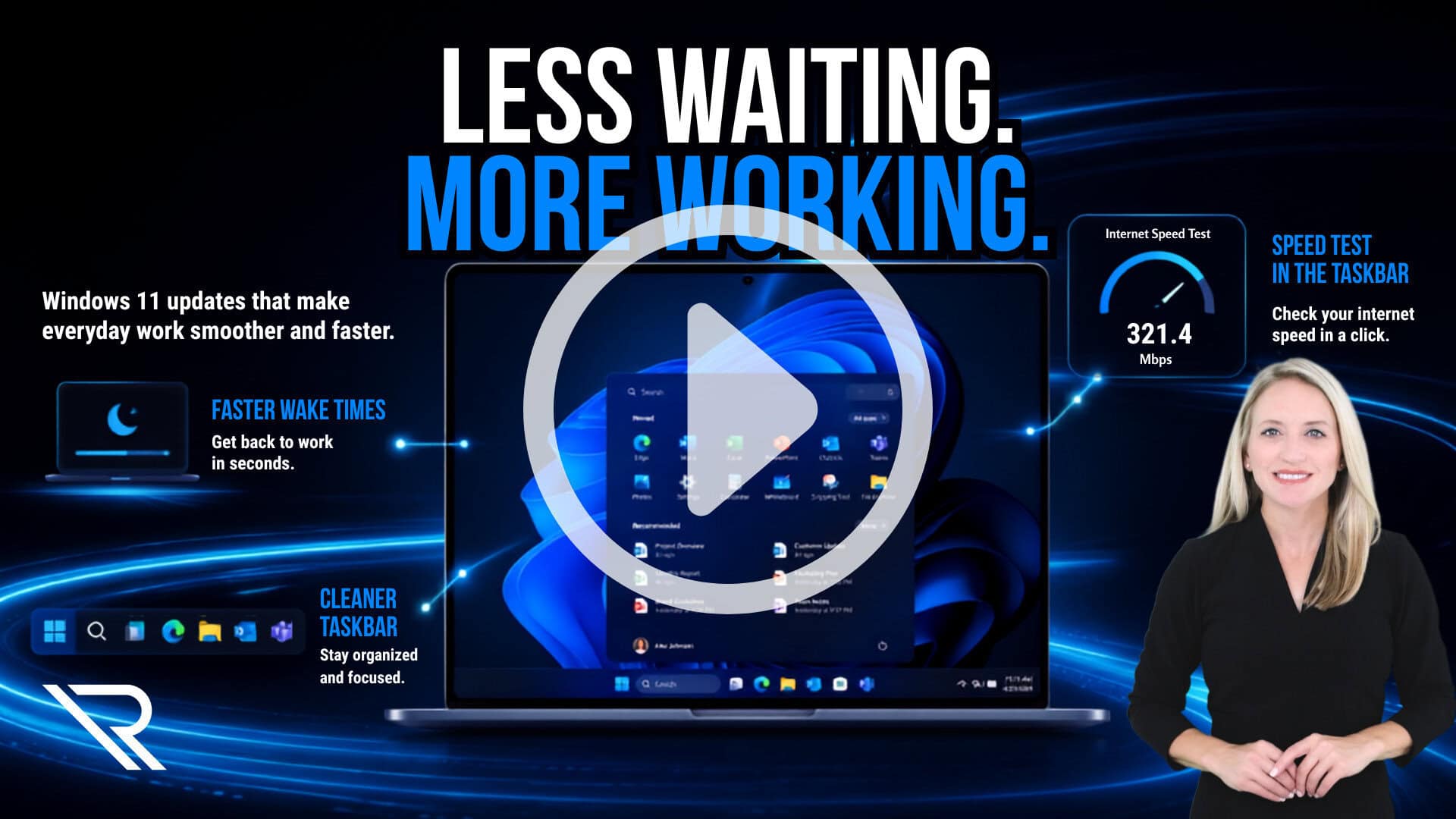
Windows 11 Efficiency Updates That Could Save Your Team Time
read more...

Windows 11 is getting faster where daily work happens most. See how quicker wake times, cleaner multitasking, and simpler speed checks could help your team…
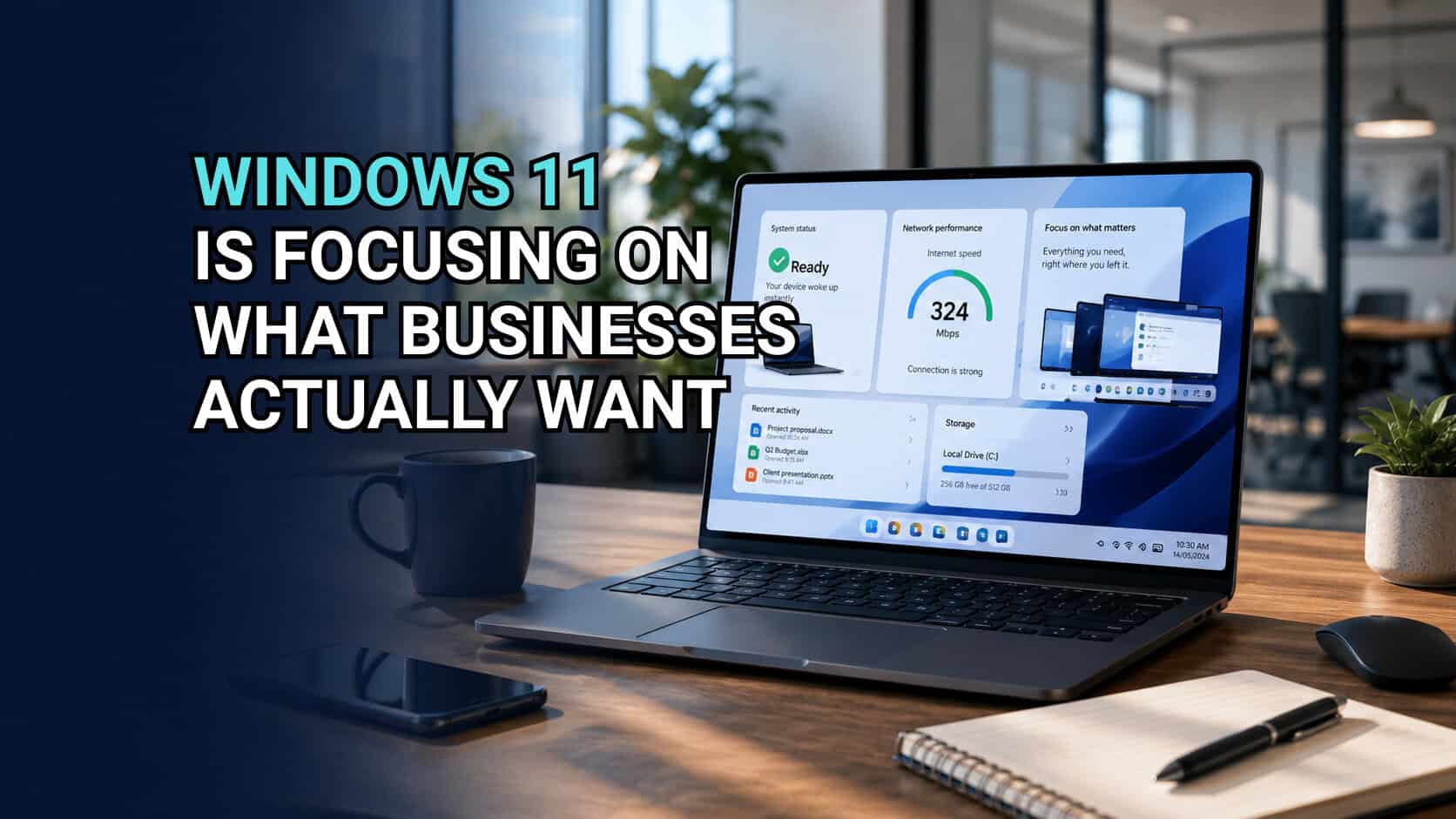
Windows 11’s newest updates aren’t about flashy AI. They’re about removing everyday frustrations that quietly slow your team down…
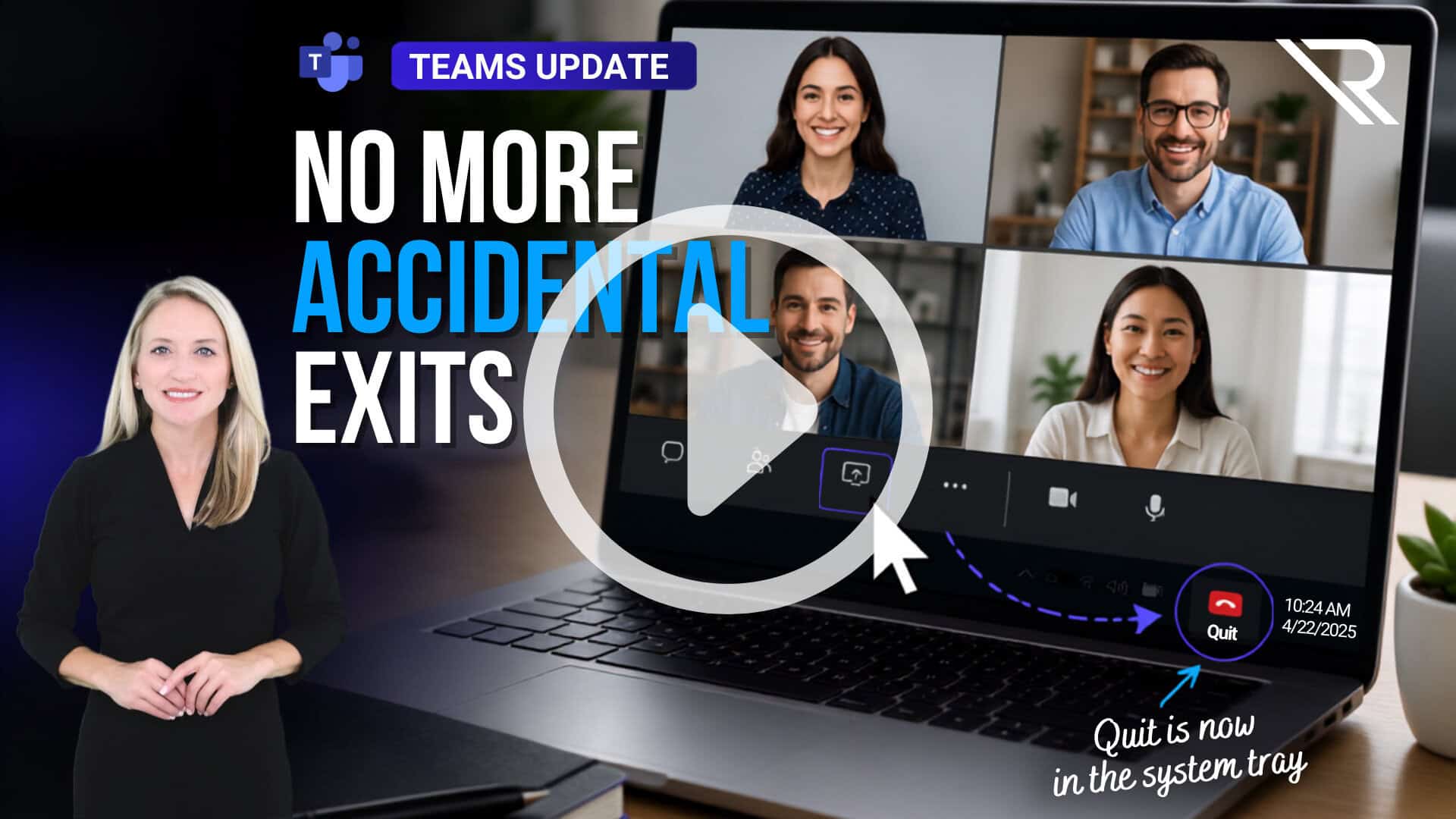
Microsoft Teams moved the Quit button out of the main meeting controls, making accidental exits less likely when you’re trying to…
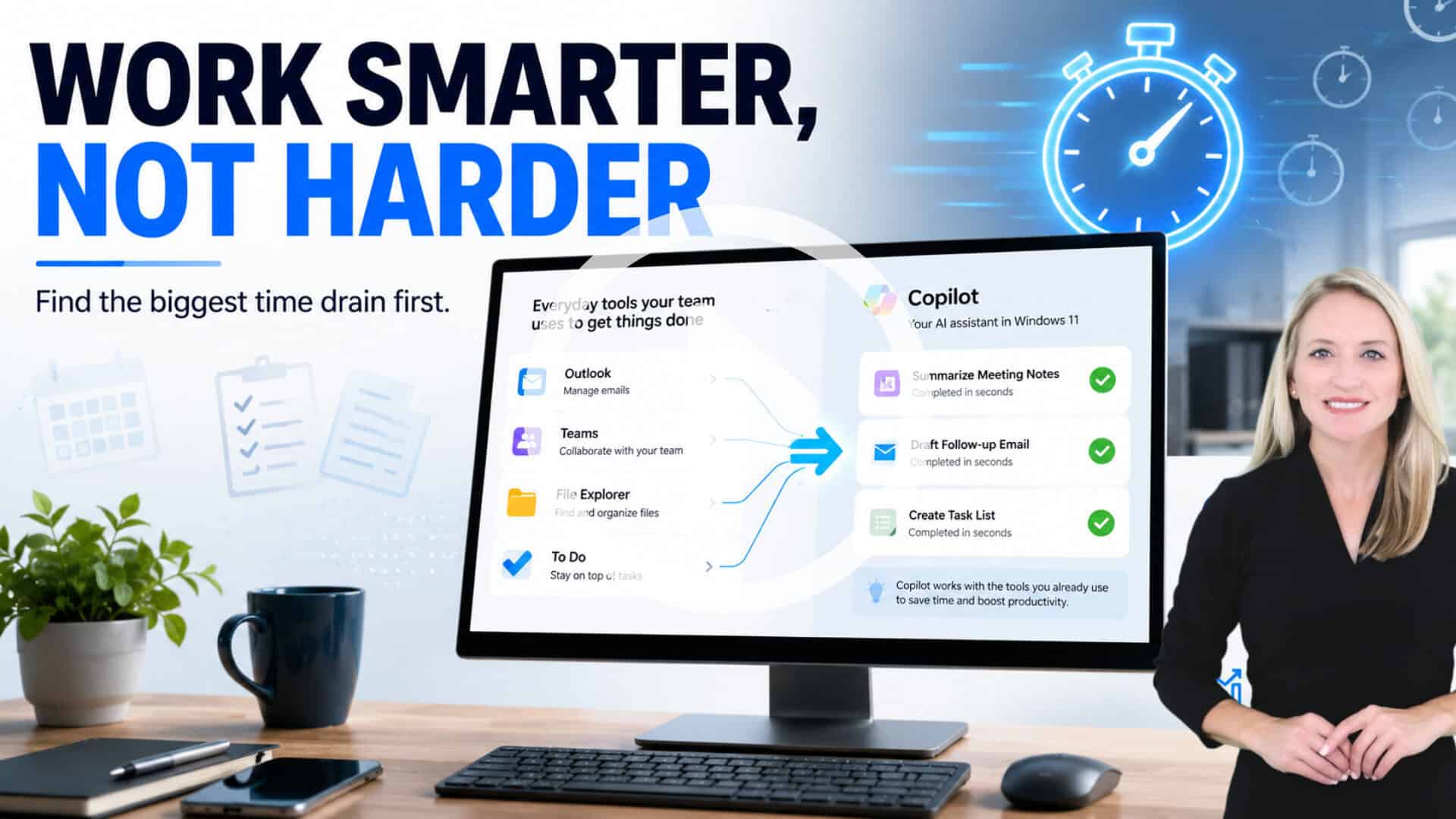
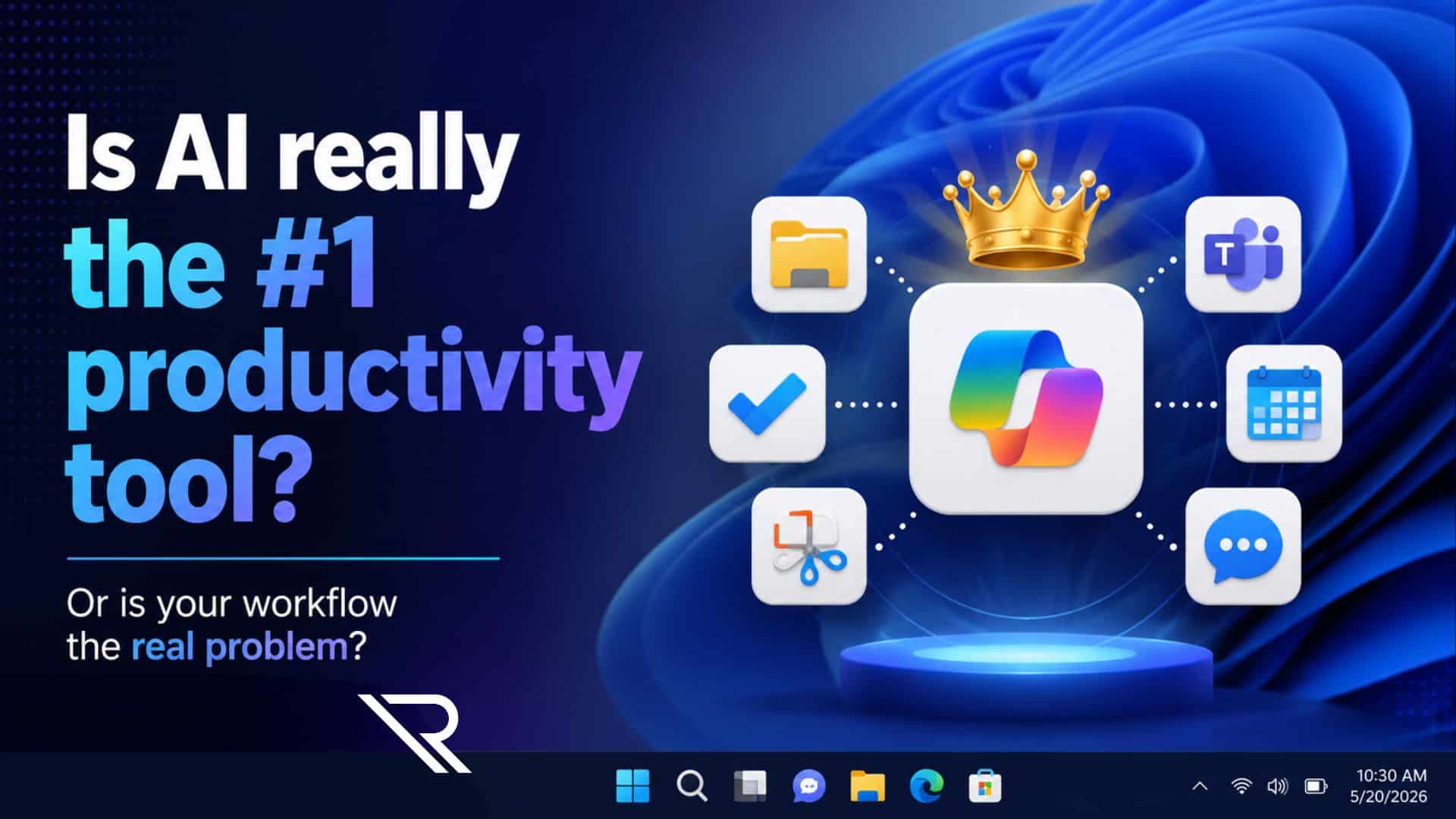
Copilot can speed up everyday work, but it works best when your team already knows where productivity is breaking down…
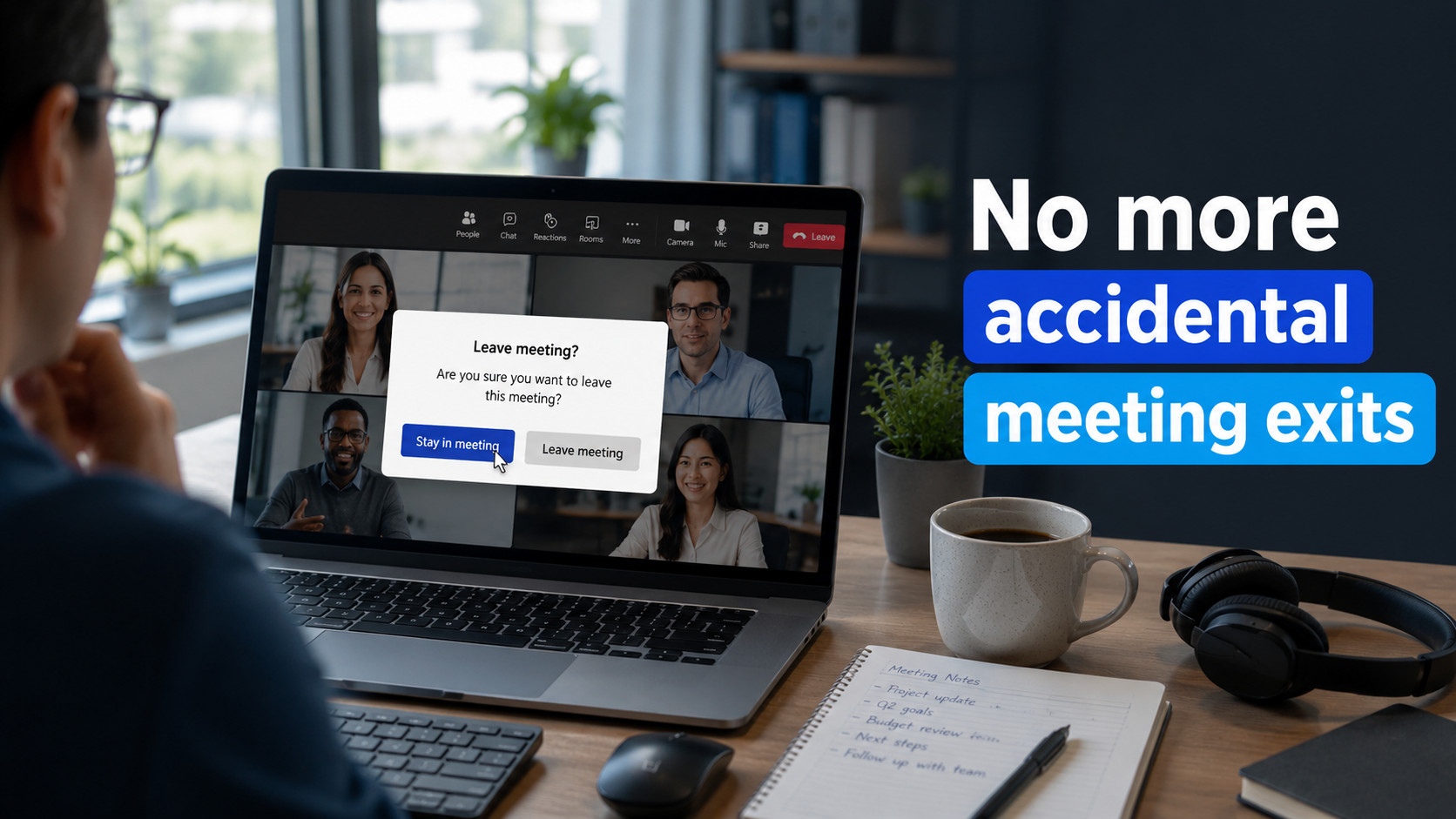
Small Microsoft Teams updates can eliminate everyday frustrations. Here’s how the latest changes help reduce accidental interruptions and improve meetings…
Slow apps, manual workarounds, and disconnected systems may signal a bigger problem. See six signs your Chicago business has outgrown its…
Teaser excerpt
Copilot can save time, but it cannot fix messy workflows, scattered files, or unclear processes. Start with the real productivity problem before…
AI pilots stall when the goal is fuzzy. Use this 3-step reset to pick one use case, set guardrails, and scale without chaos so your team can…
Slow PC? Do not blame the hardware first. In...
Busy all day but still behind? Chicagoland teams often lose time to interruptions, tool overlap, and context switching. Here’s how to remove friction so…
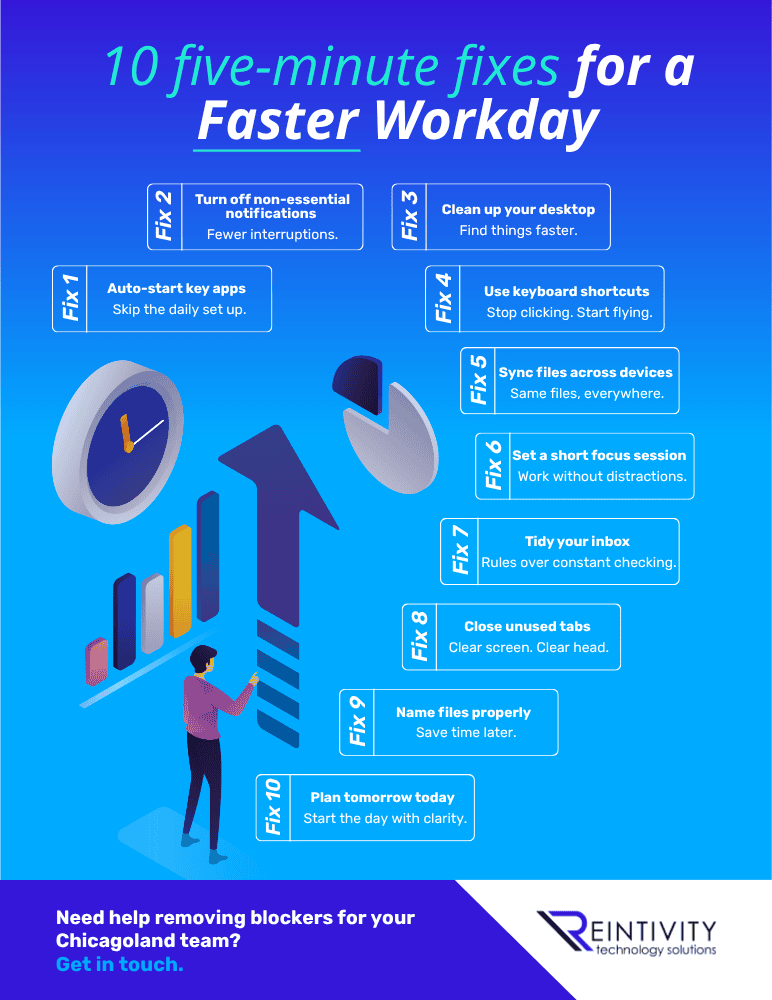
Ten five-minute tweaks can give you hours back each week. Try these quick fixes for notifications, shortcuts, inbox rules, and file sync so work feels less…
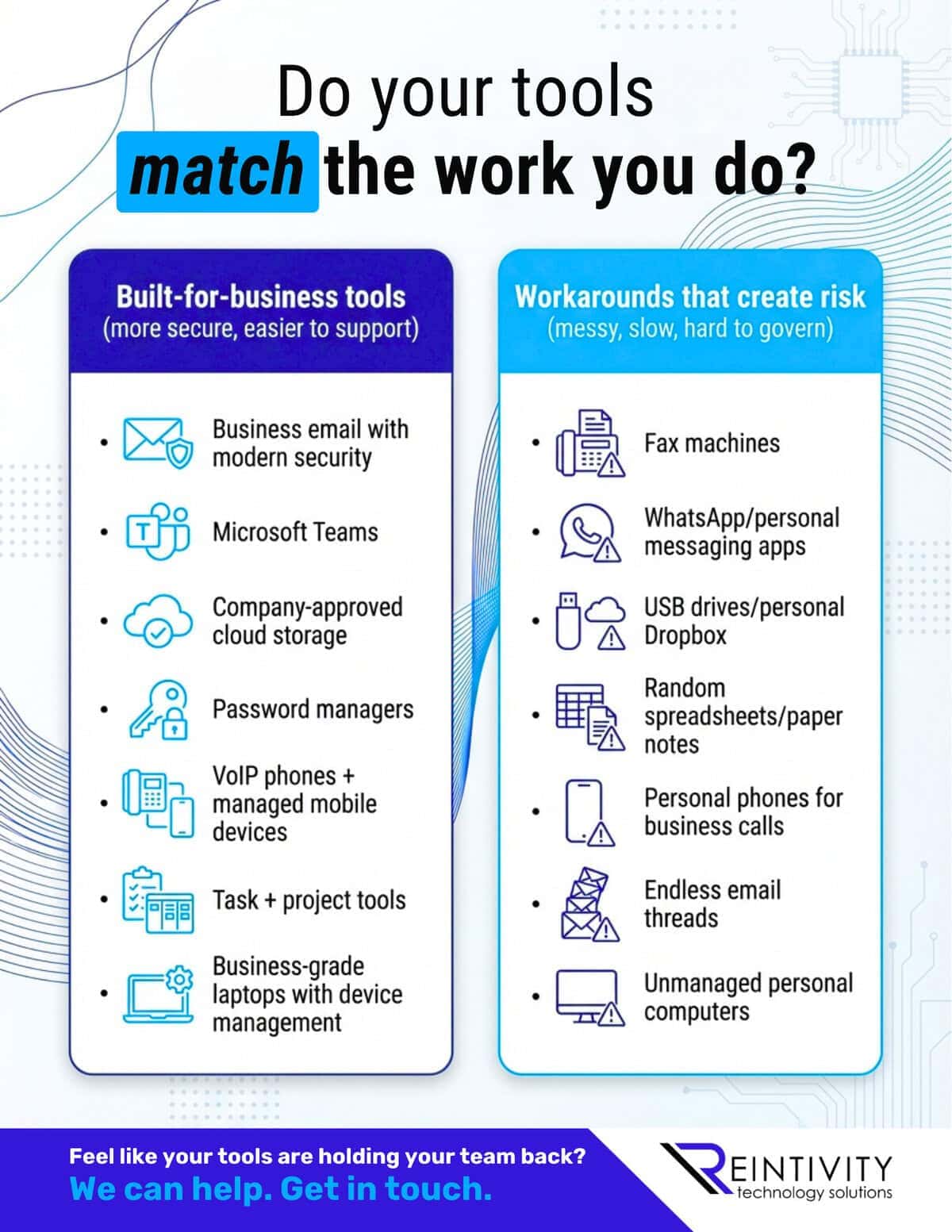
Tool sprawl creates risk and wasted time. See the built-for-business tools that reduce chaos, and the workarounds that quietly cost you more…
Teams is fixing two everyday chat frustrations: choose what Enter does, and forward up to five messages at once. If your Teams setup still feels messy…
Two Teams fixes are finally here: choose what Enter does and forward multiple messages at once. Small changes, less daily friction, better chat flow when…

Need help improving your business processes and...
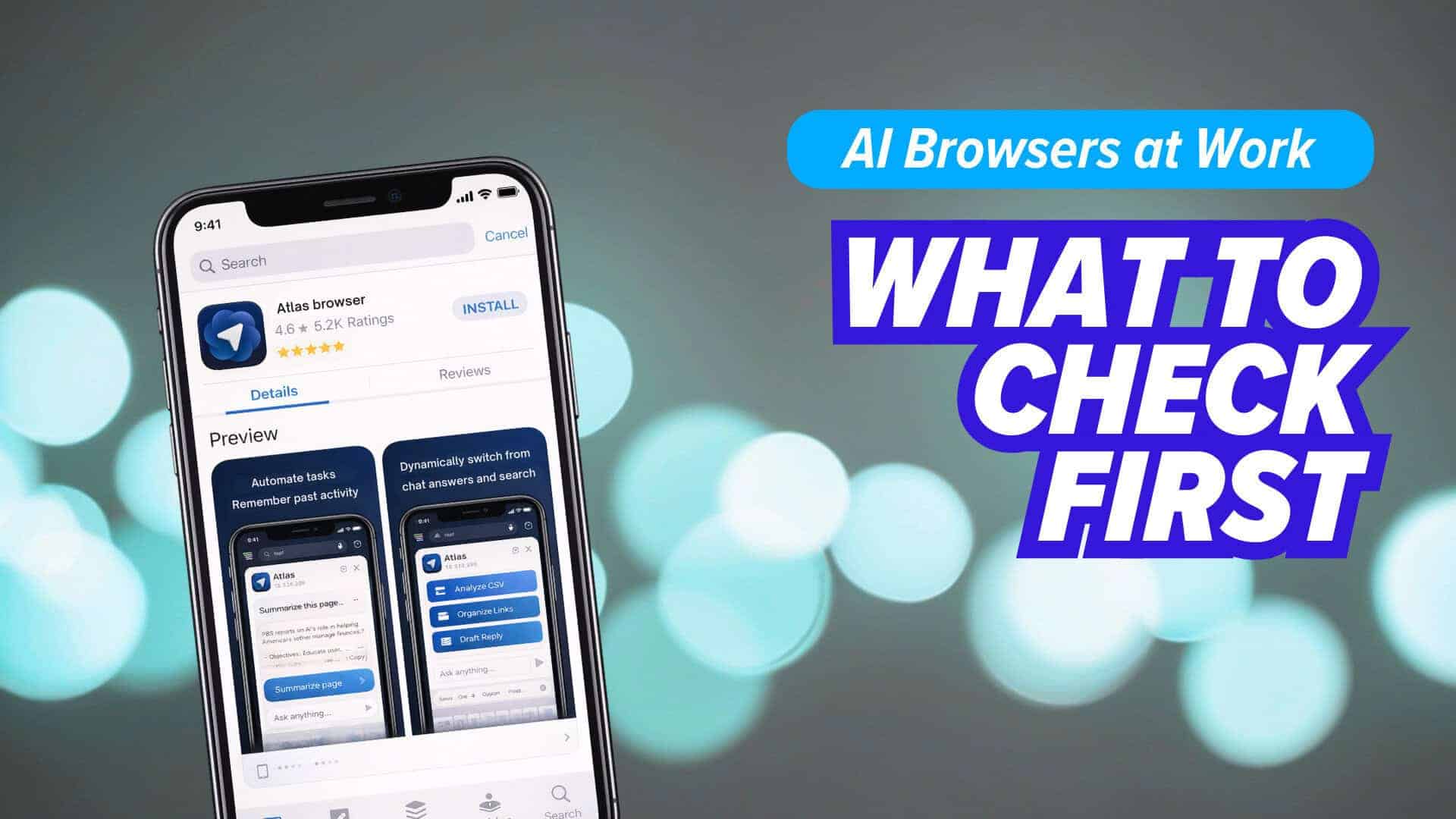
AI-enabled browsers can summarize and automate work, but they may also send sensitive on-screen data to the cloud. Before you roll them out, make sure…
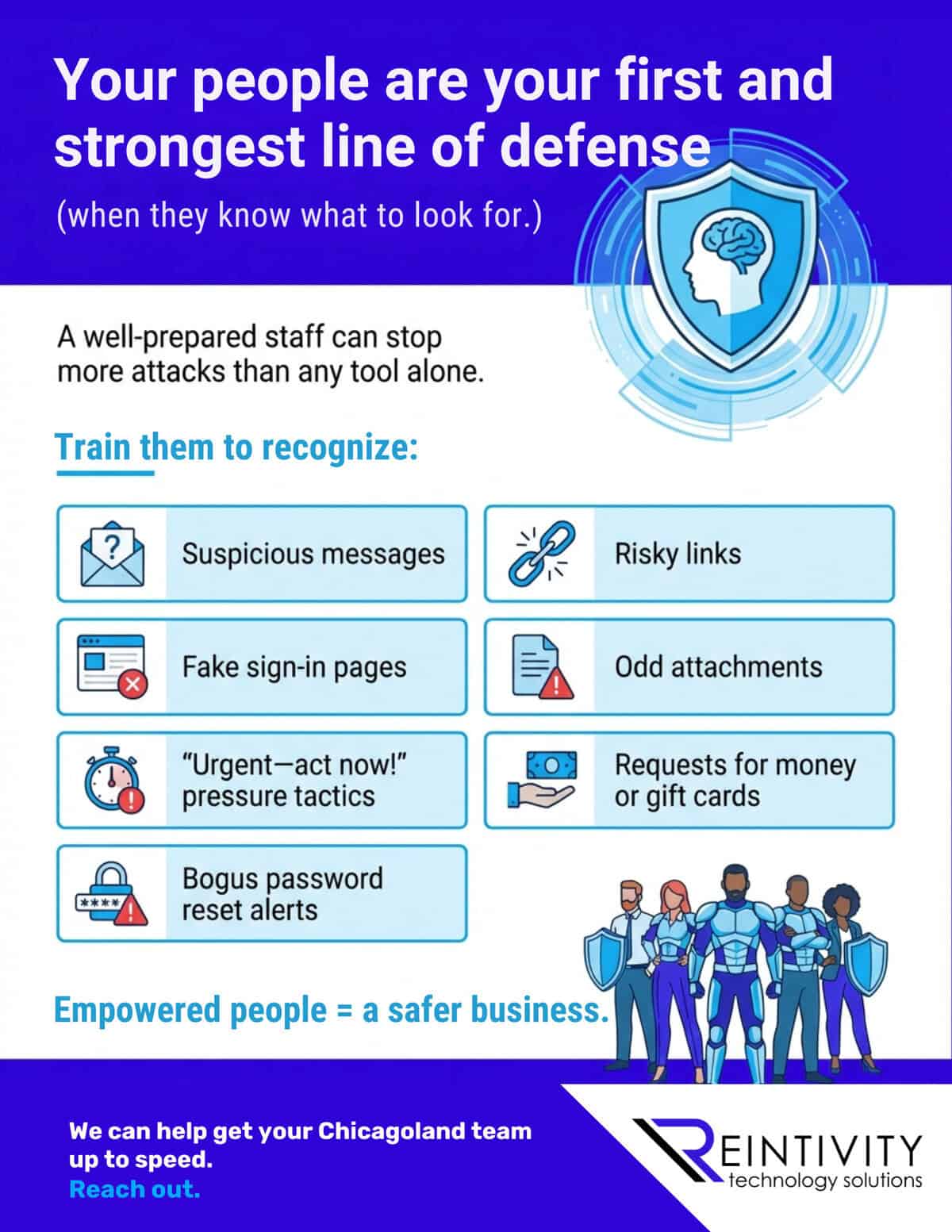
Most breaches start with a click—not a “hack.” Your best defense is trained people who spot the red flags and report fast. Here’s how to build that…
If “Reuse Slides” vanished in PowerPoint, you’re not imagining it. Here are two quick ways to reuse slides and keep formatting mostly intact…
PowerPoint retired “Reuse Slides,” making deck reuse harder. Here’s the fastest drag-and-drop workflow to keep branding clean and save hours…
Most IT pain isn’t outages—it’s daily friction. Audit the drag, fix quick wins, then decide if cloud truly simplifies your next chapter…
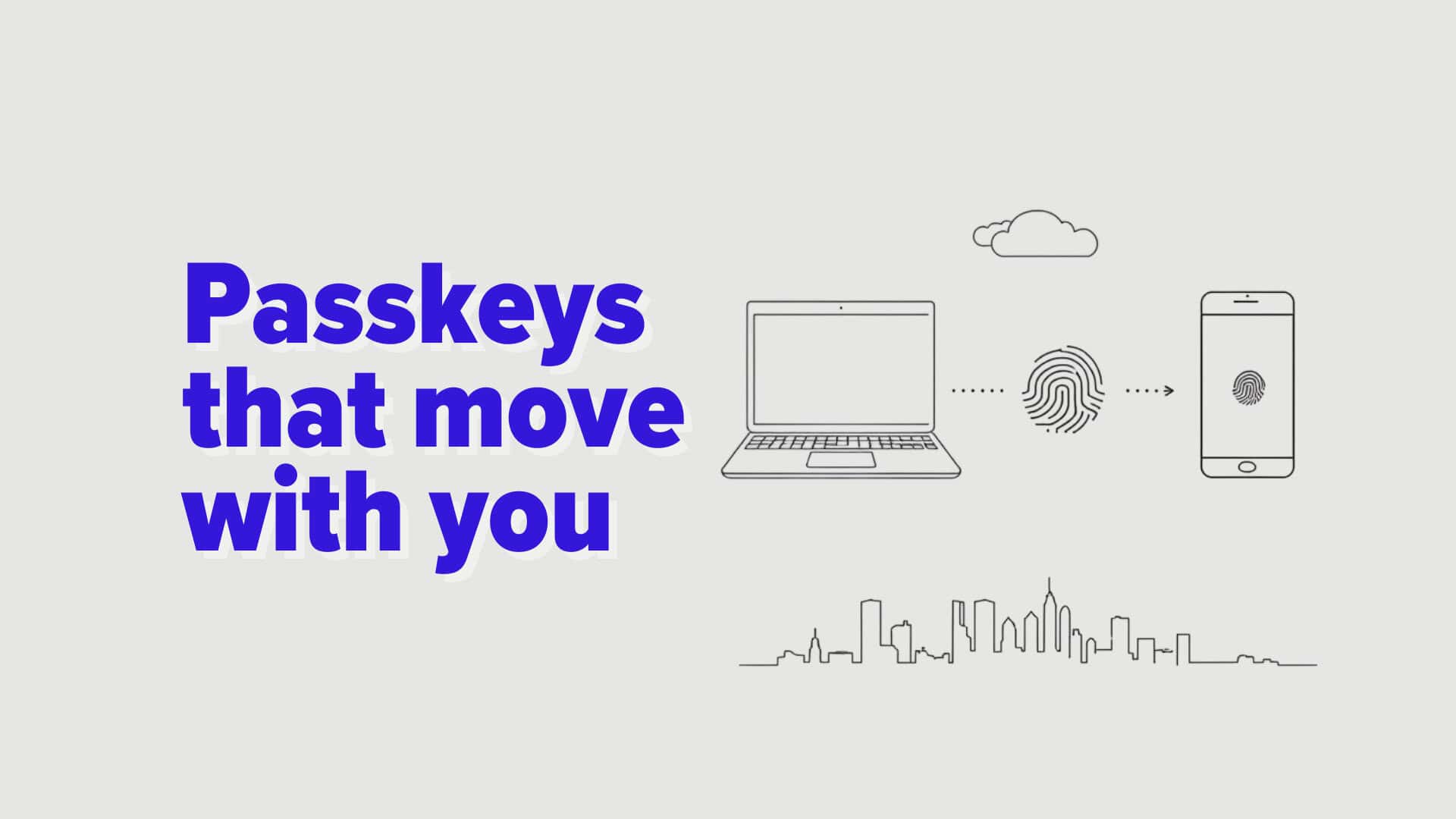
Password resets are a tax. Passkeys can cut the bill—but only if they’re practical. Edge passkey sync removes a key objection, with a catch…
Ask Copilot may land on your Windows 11 taskbar. Type what you need, and settings happen fast. It’s optional, and it could save your team…
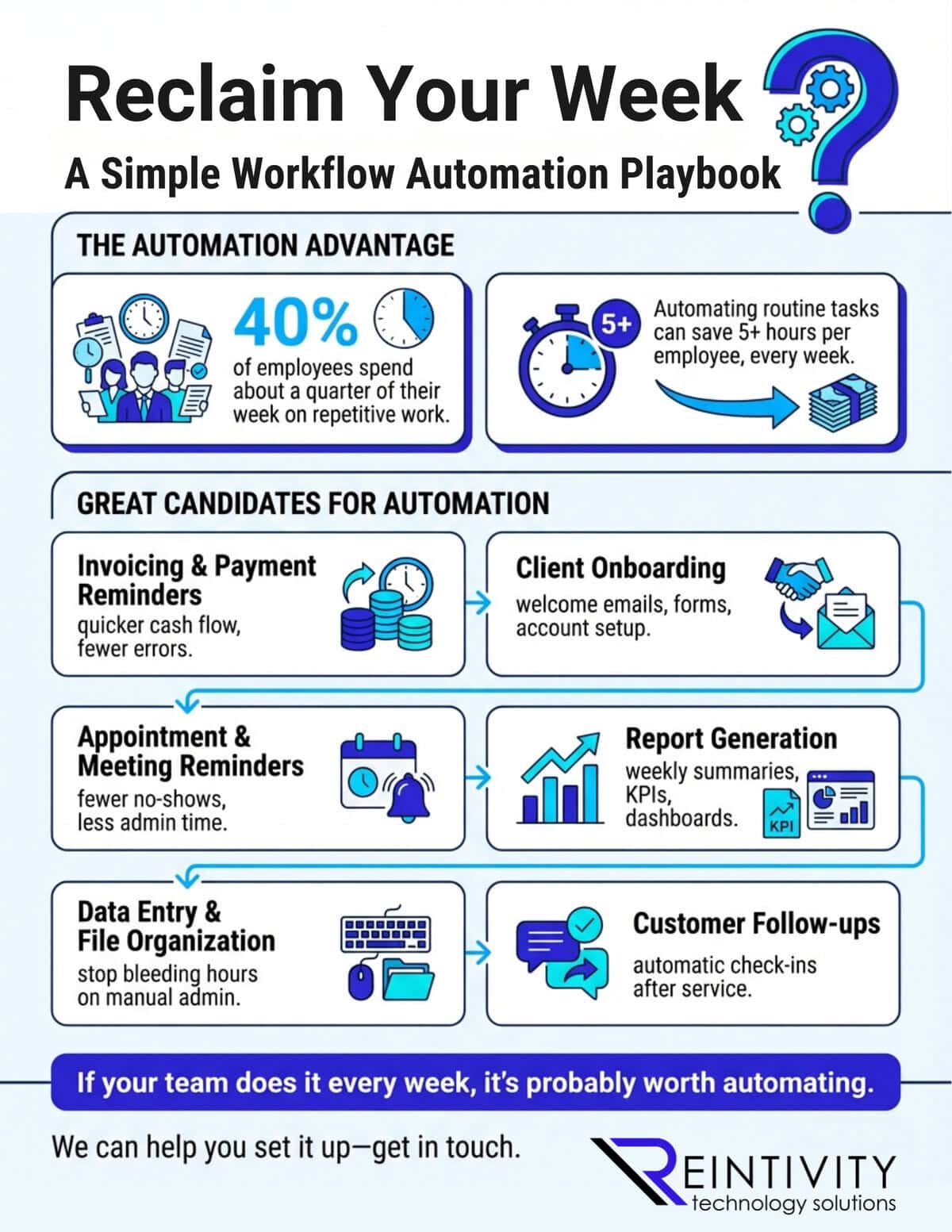
Busywork is stealing your week. Automate the right workflows and save 5+ hours per employee—every week. Start with the best candidates and…
Windows Search is becoming a command bar. Ask Copilot turns “find” into “do”—and makes it an IT rollout decision, not a UI tweak…
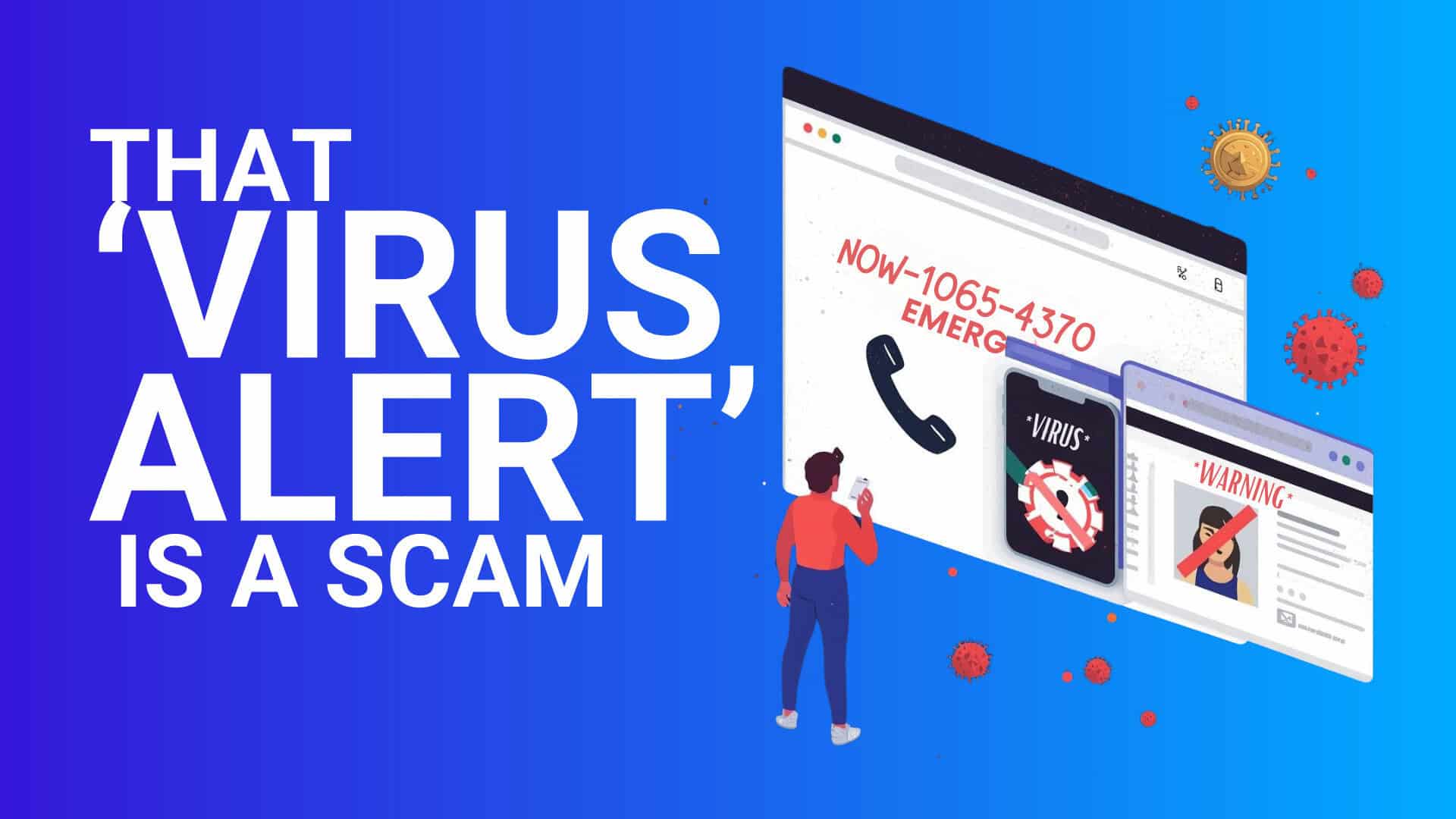
That full-screen “virus alert” isn’t your PC—it’s a webpage fishing for remote access. Here’s how Edge can shut it down before your team…
Turn your company’s raw data into on-demand intelligence. Reintivity integrates sources, secures pipelines & builds dashboards to surface real-time insights. Learn more…
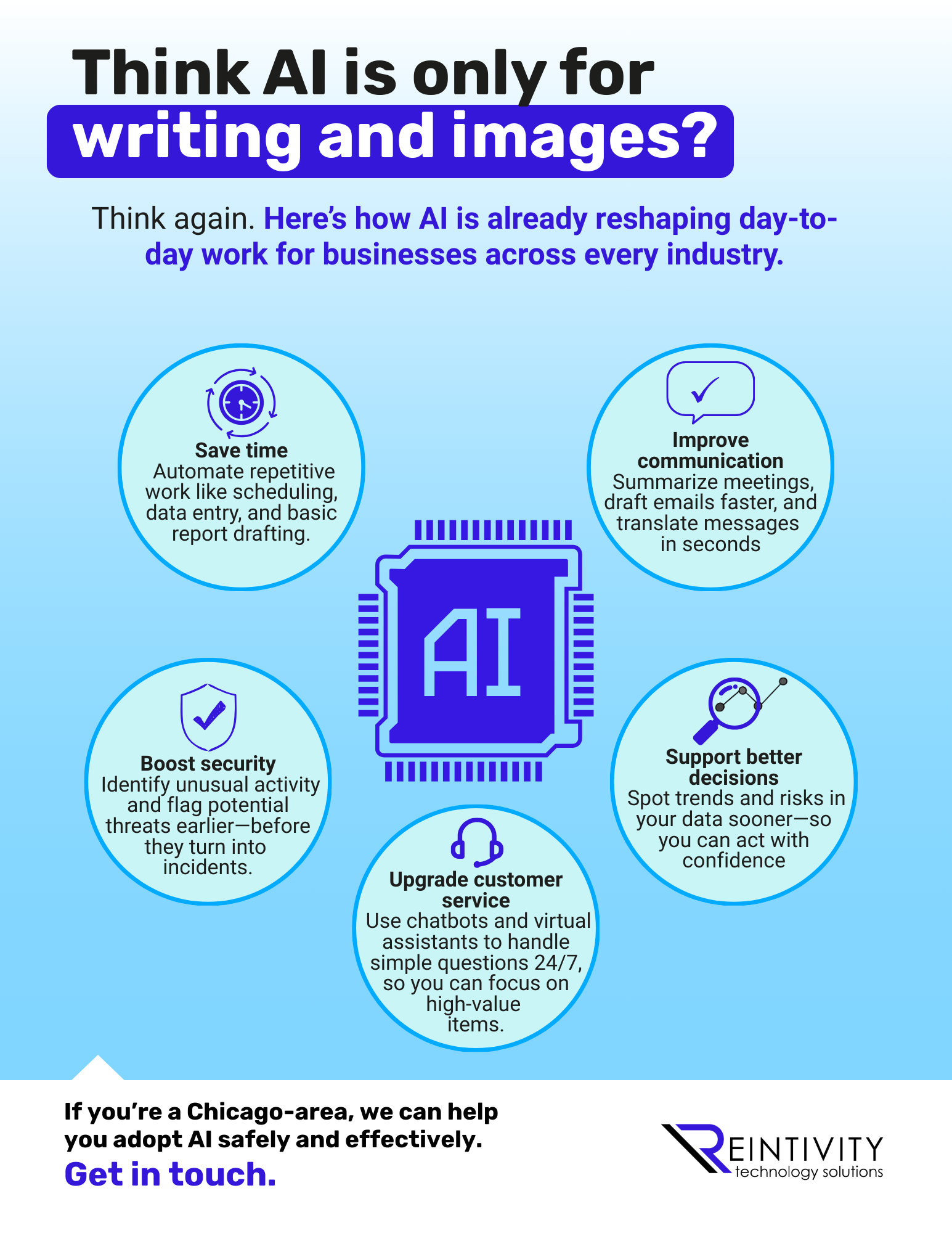
AI isn’t just for writing and images. It can automate busywork, sharpen decisions, improve service, and flag security risks sooner. See practical uses…

Chicago nonprofits: “free” Wi-Fi and small IT shortcuts can trigger big disruption. Break the bad habits, lock down the basics, and protect your mission…
Rolled out Copilot but unsure who’s using it? Viva Insights’ new Benchmarks dashboard shows usage trends and gaps—so you can improve adoption…
Most employees use AI daily—but few are trained. That gap creates hesitation and mistakes. Here’s how to build real AI confidence with support and guardrails…